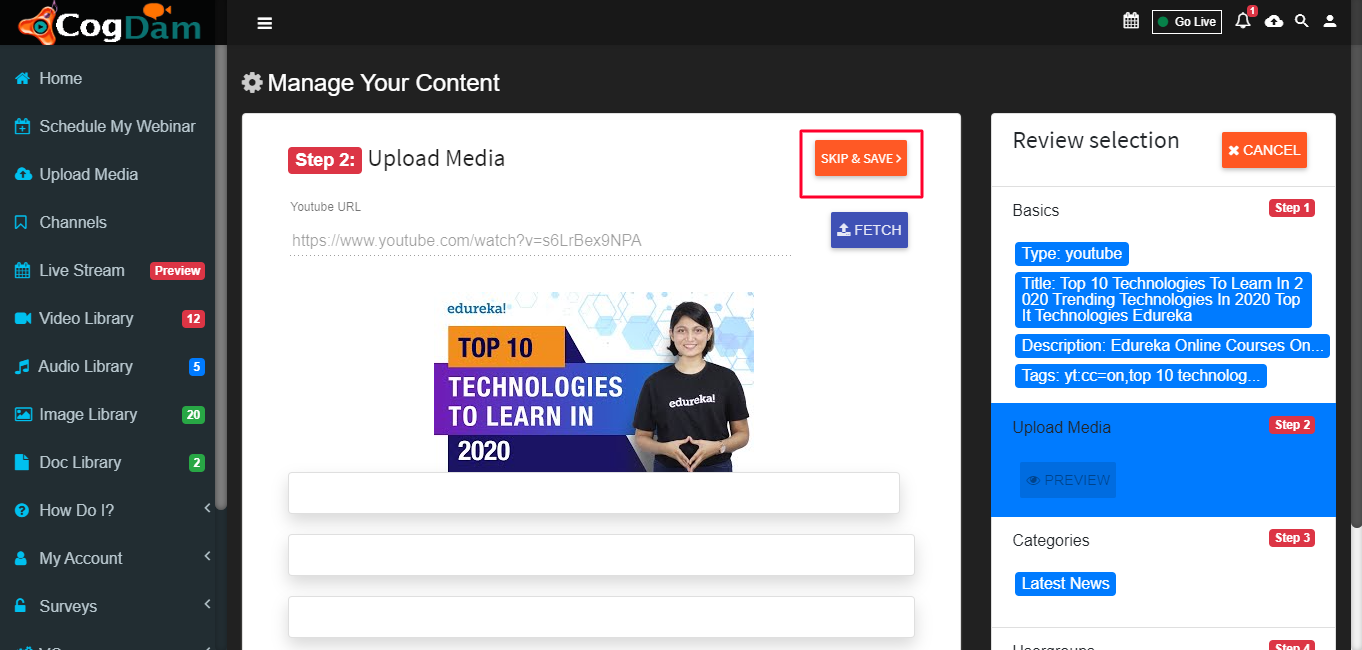
Upload Media
Steps to upload any media in application
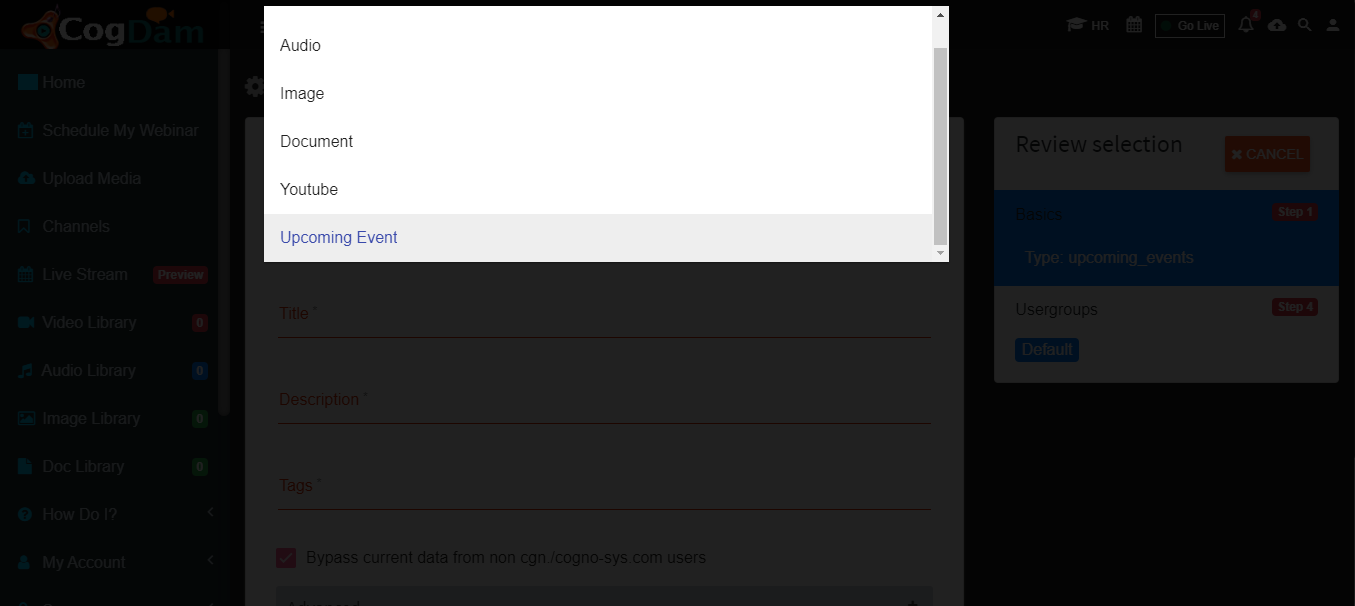
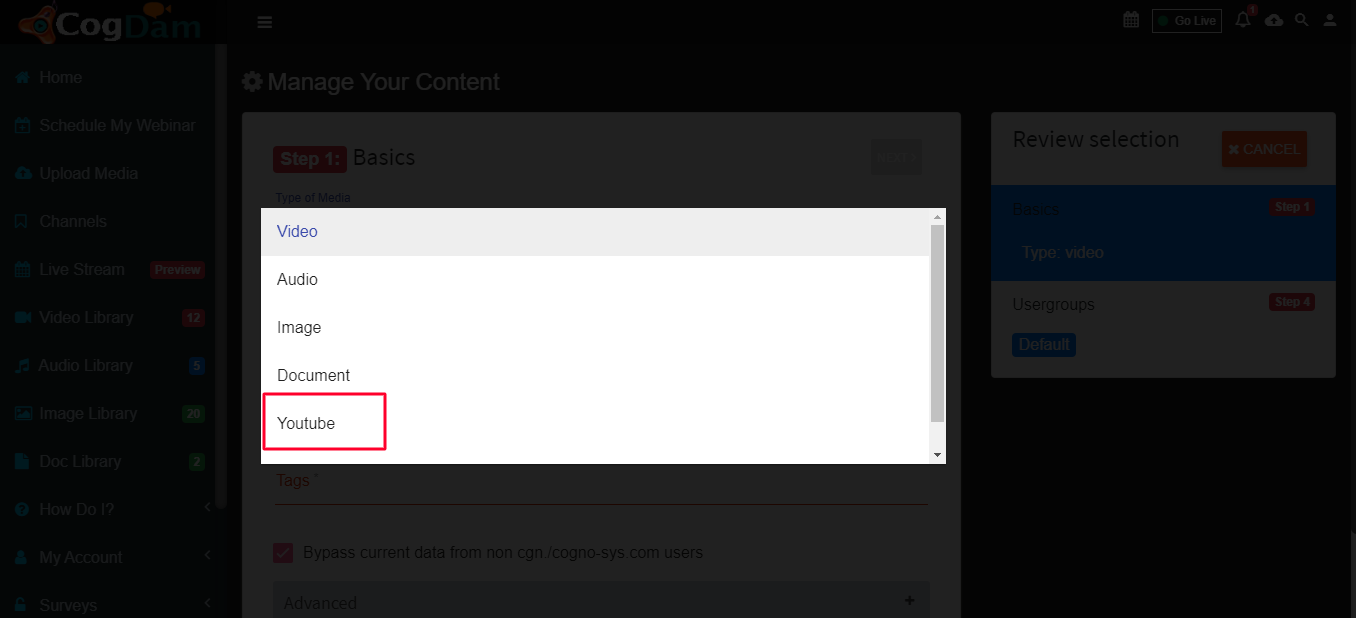
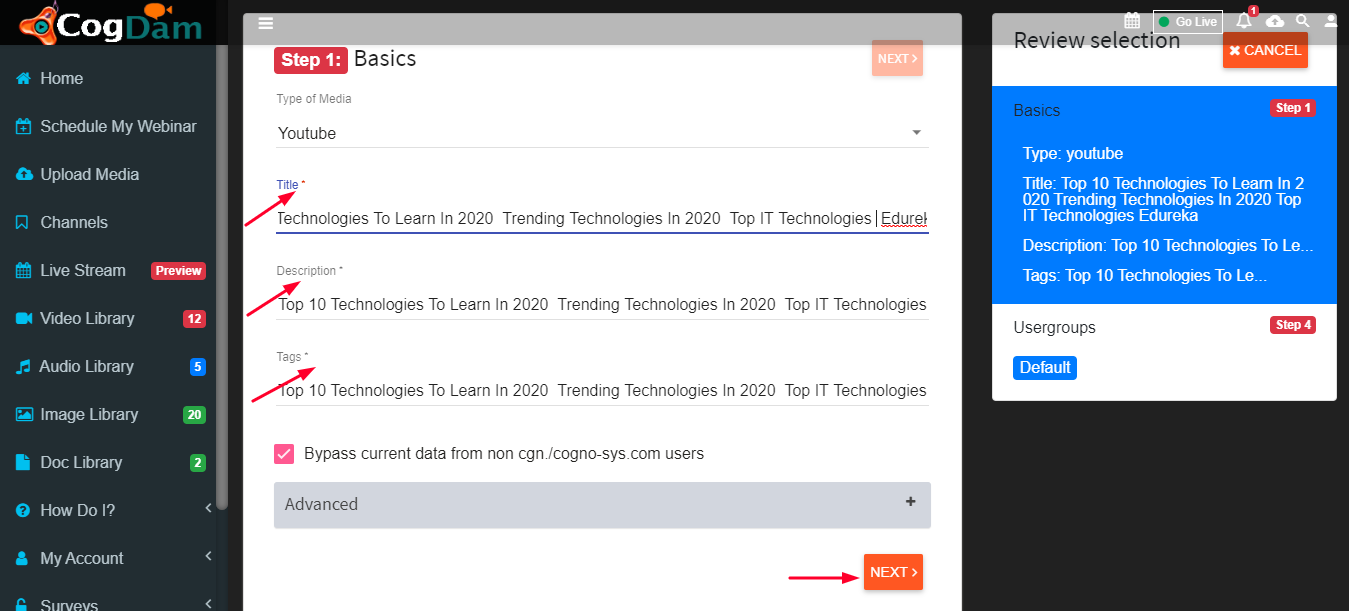
Select type of media : Select type of media from drop down list as Audio, Video, Document or Youtube.
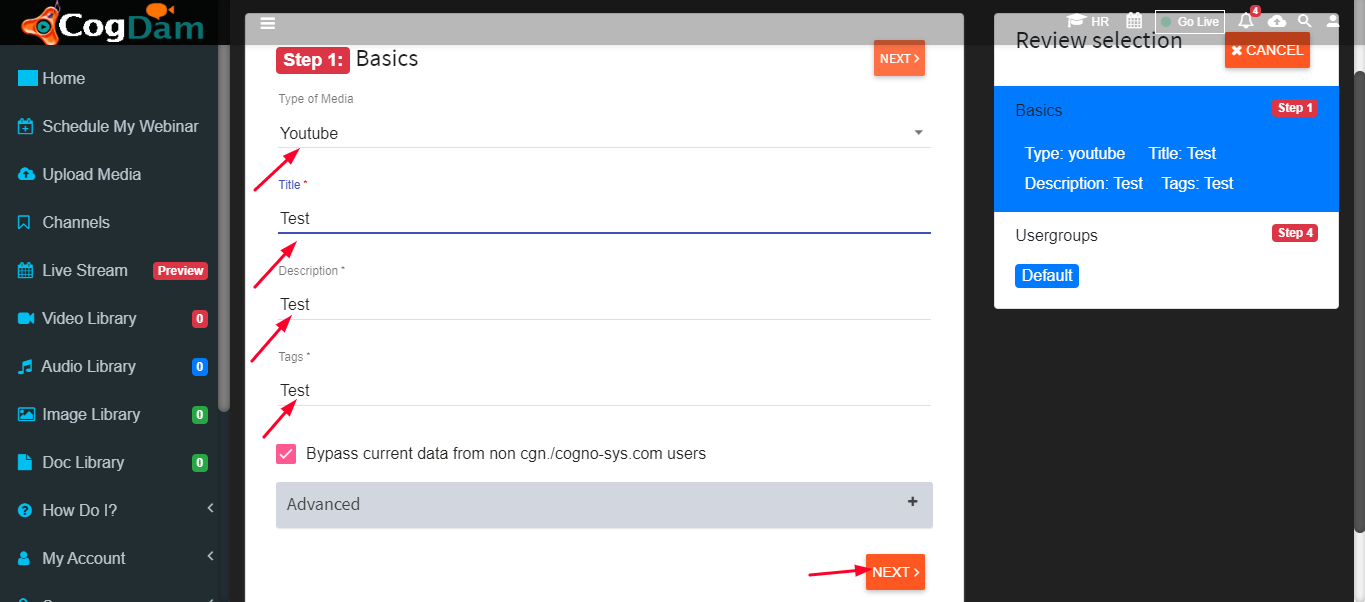
Fill all the information about media and click on next
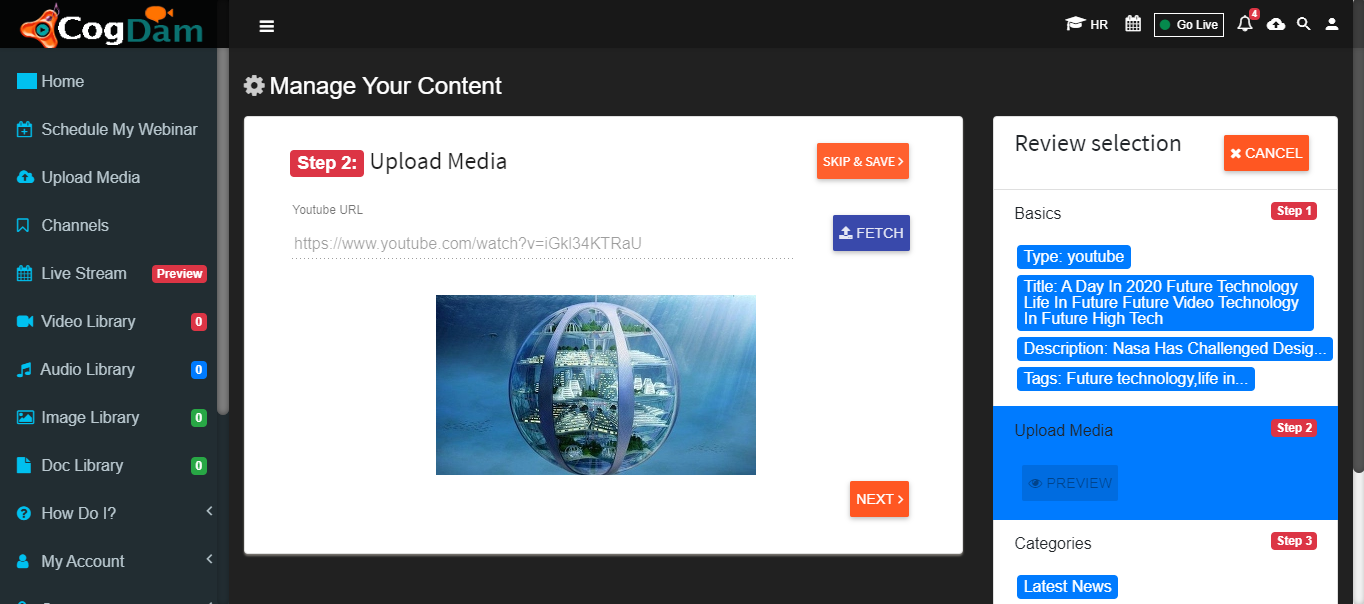
Put The URL Fetch And Click Next
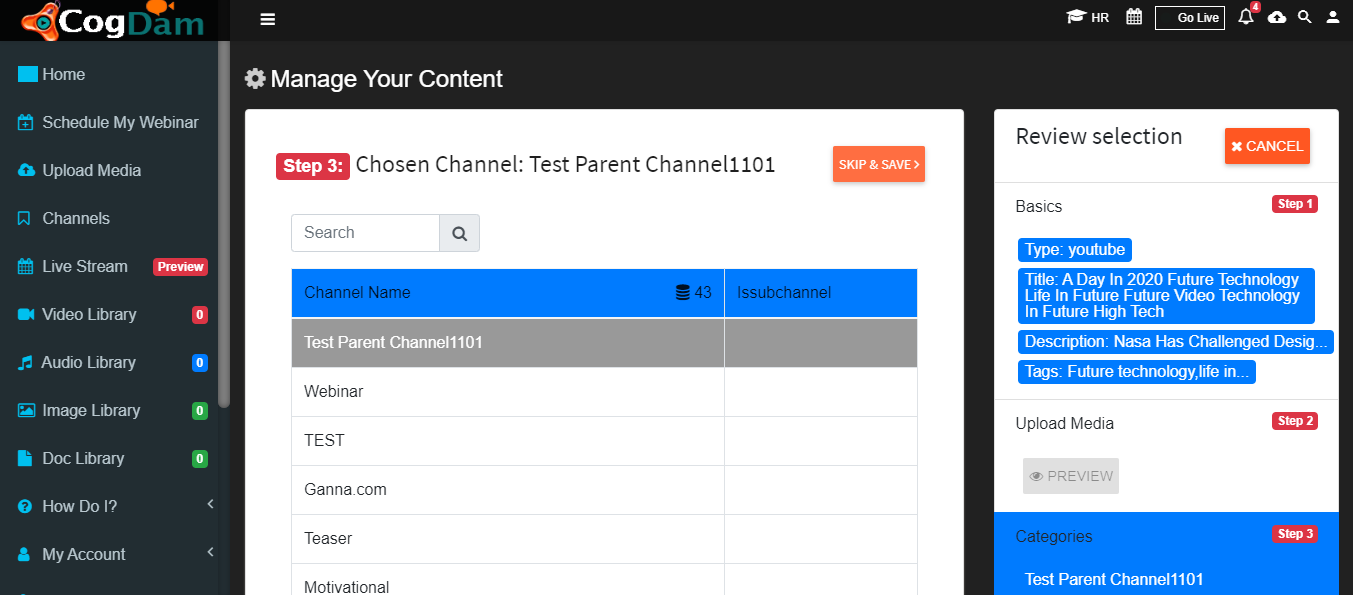
Choose Channel And Click Next
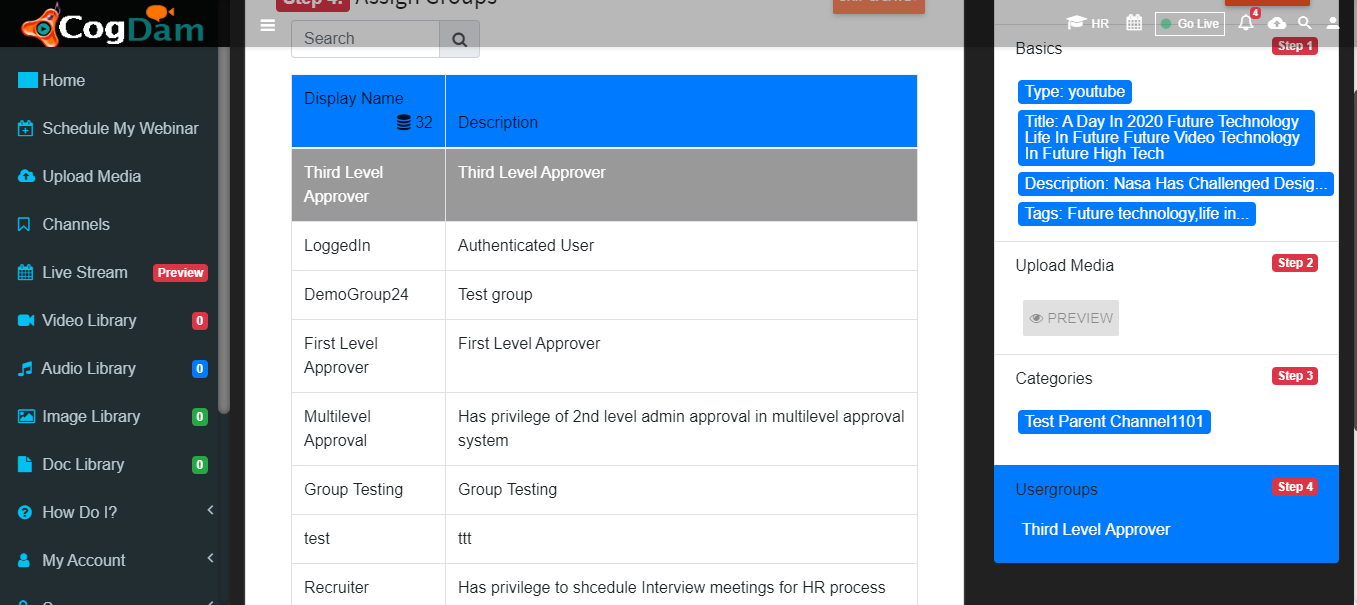
Assign Group And Save
User Can Save The Event Directly Also
Put The Relevant Informantion And Click Next\
Put The URL and Fetch\
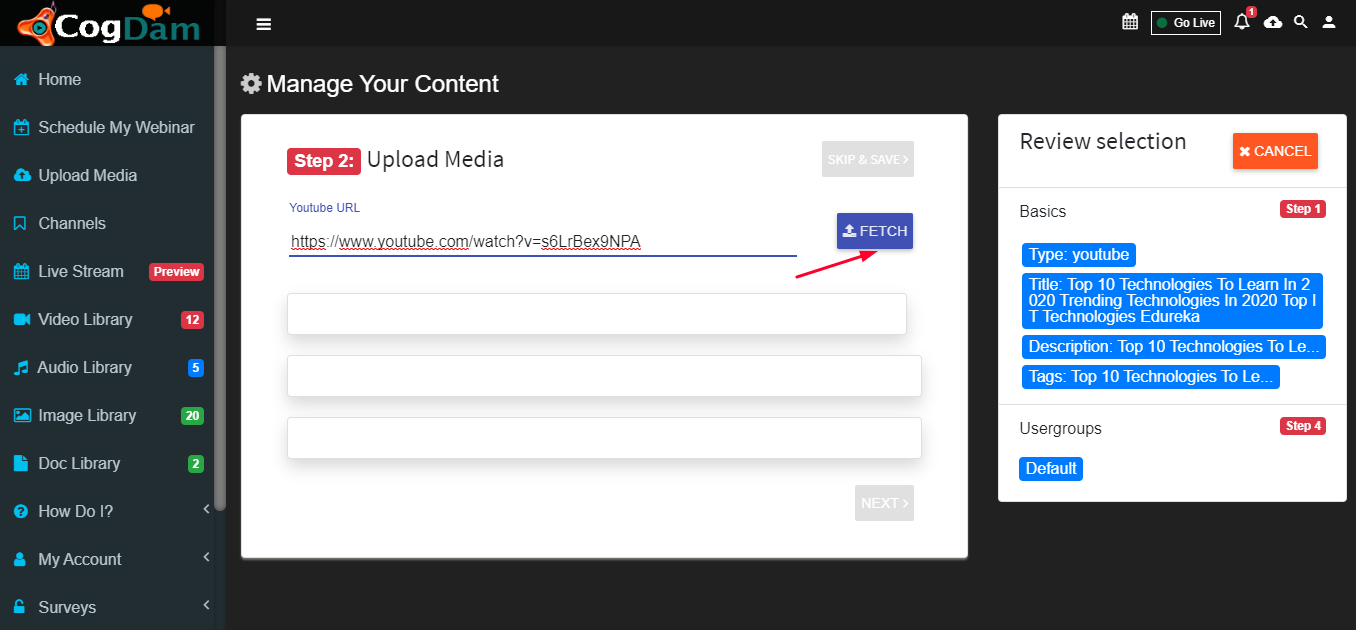
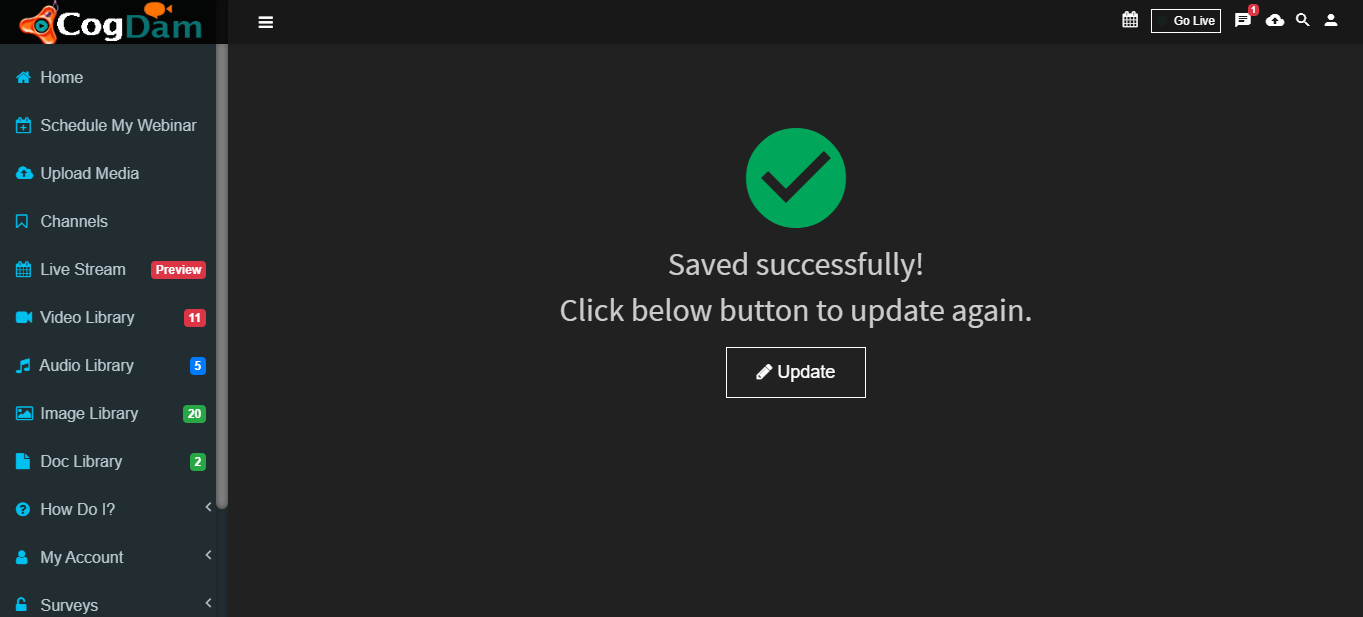
After Fetching User Can Click On "Skip and Safe" and Can Save The Video Directly\