Joining Meeting -Web Browser
Click On a Meeting Link - Received on Mail or Message , Join on Chrome Browser
- Join With Guest Authentication
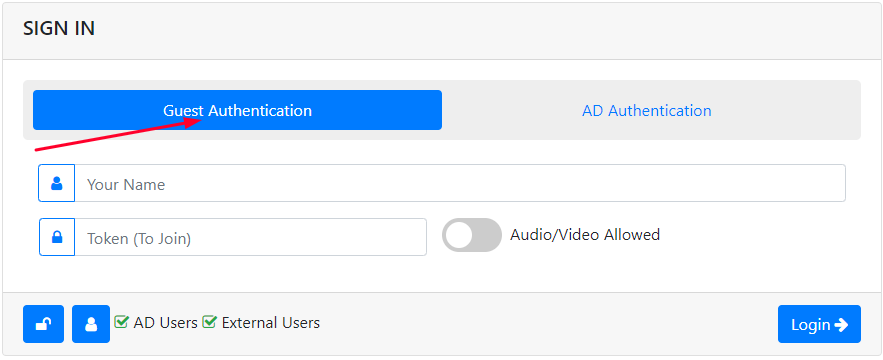
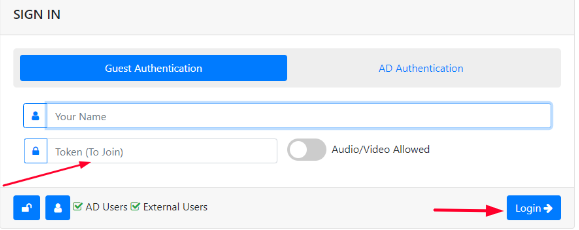
Put the Token and Click on Login to Join The Meeting\
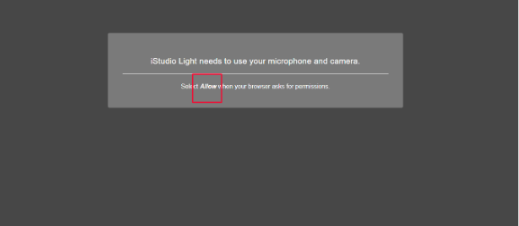
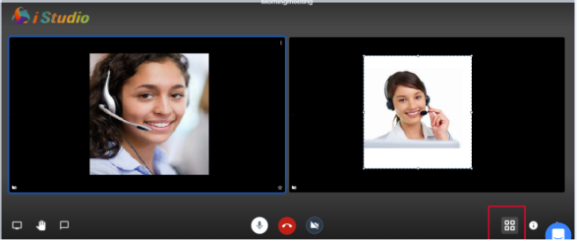
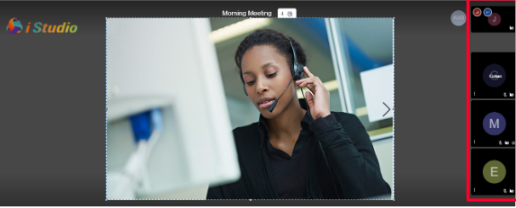
All the Feeds are on Screen
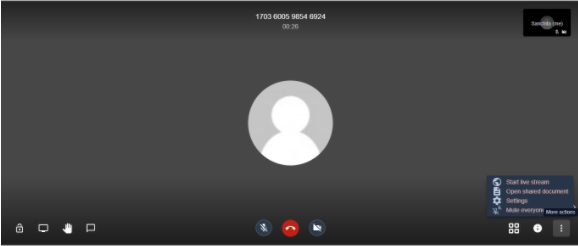
User Can See the options by clicking on the Elipse Button given below
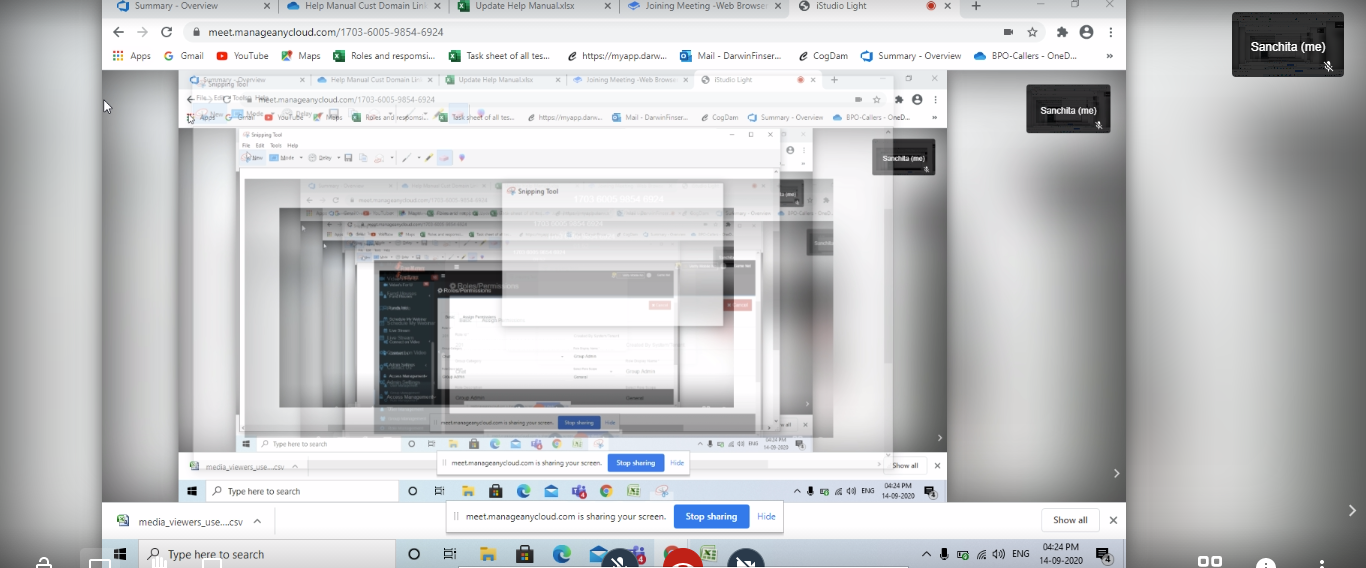
Share Screen
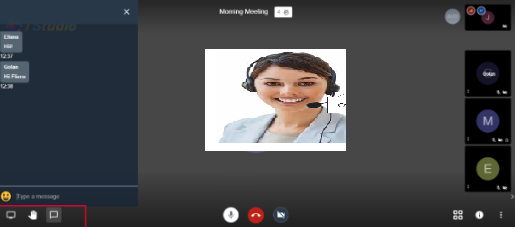
User can Chat ,share the screen and raise hand
Toggle Tile view and Full Screen